
Love making things
From an idea to something real.
Bliss is a calm place on your computer where you describe a web app, watch it come alive, and point at anything you’d like changed. No code. Just you and your idea.
Works with Claude Code, Codex or OpenCode, on your own account.
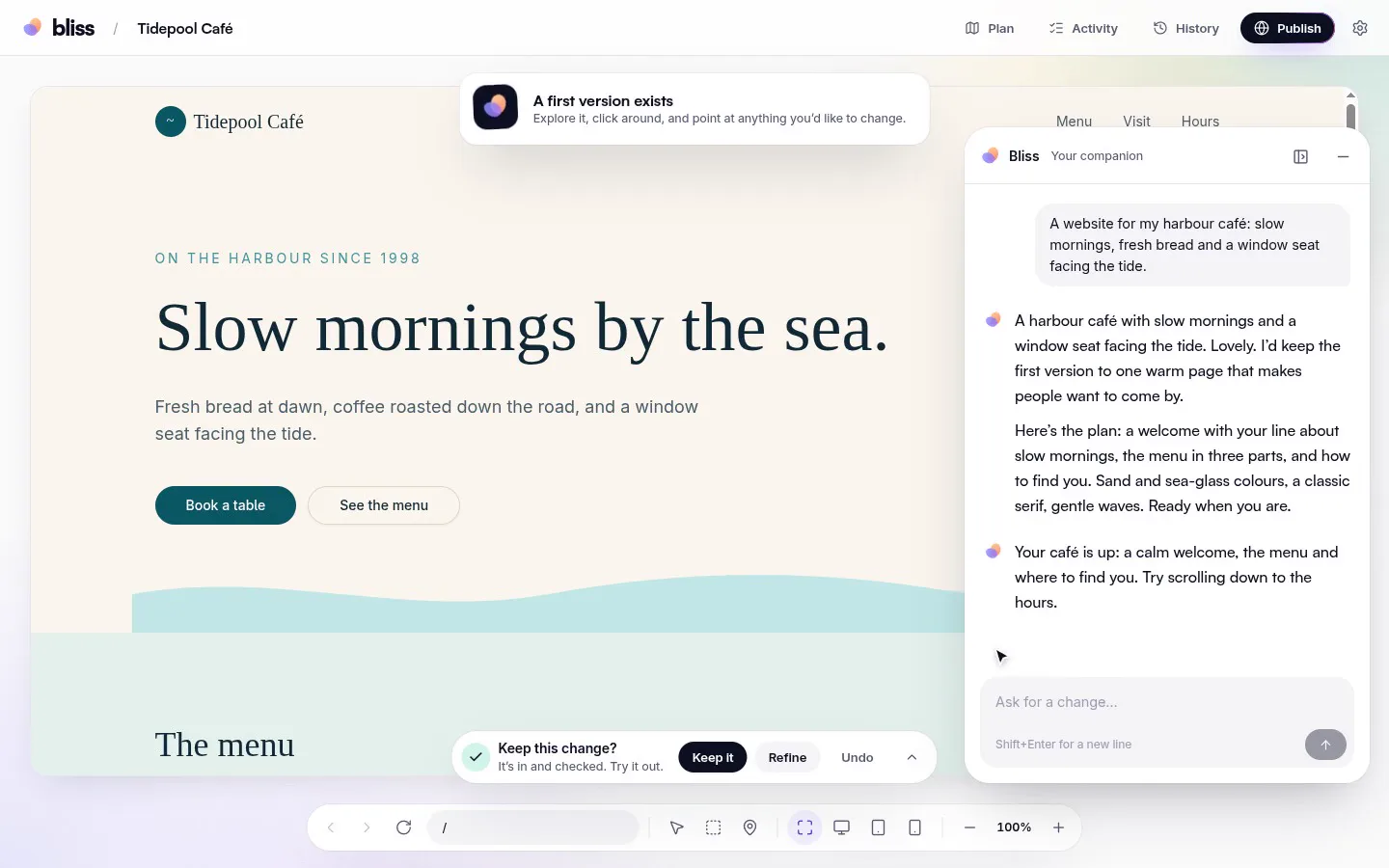
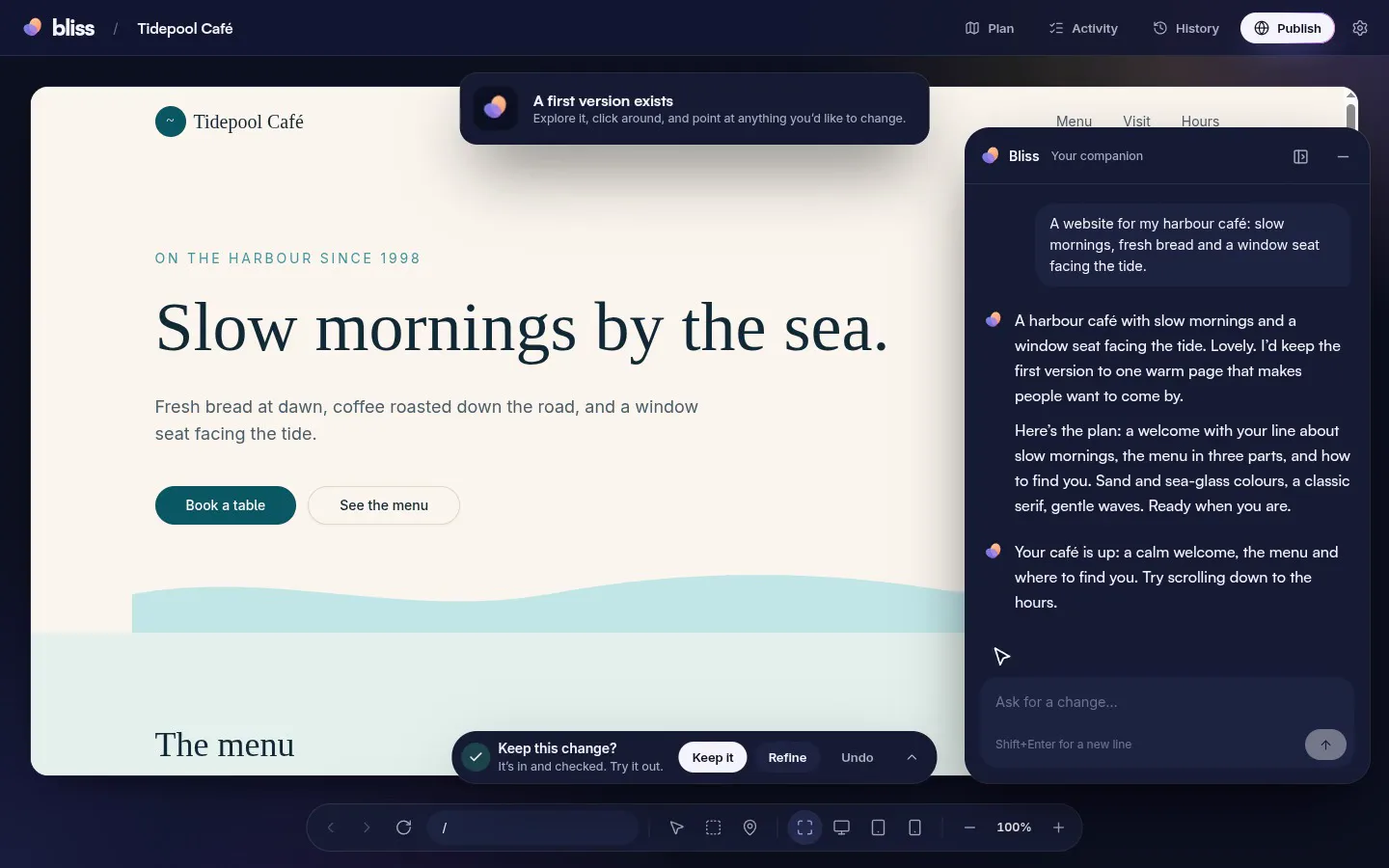
1 · Describe it
Tell it like you’d tell a friend.
- A short, warm plan you can read in a minute
- You decide what’s in the first version
- Change your mind whenever you like
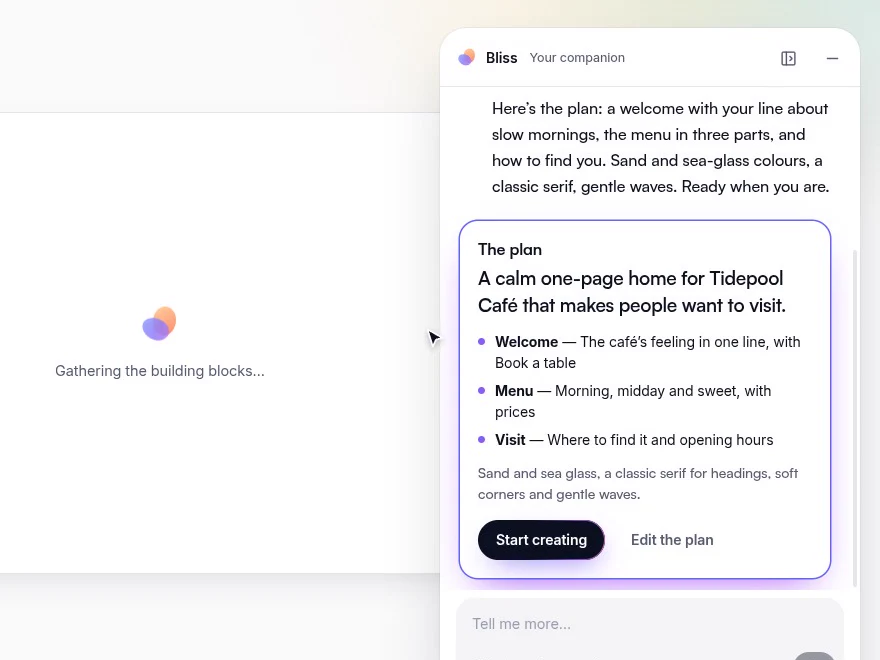
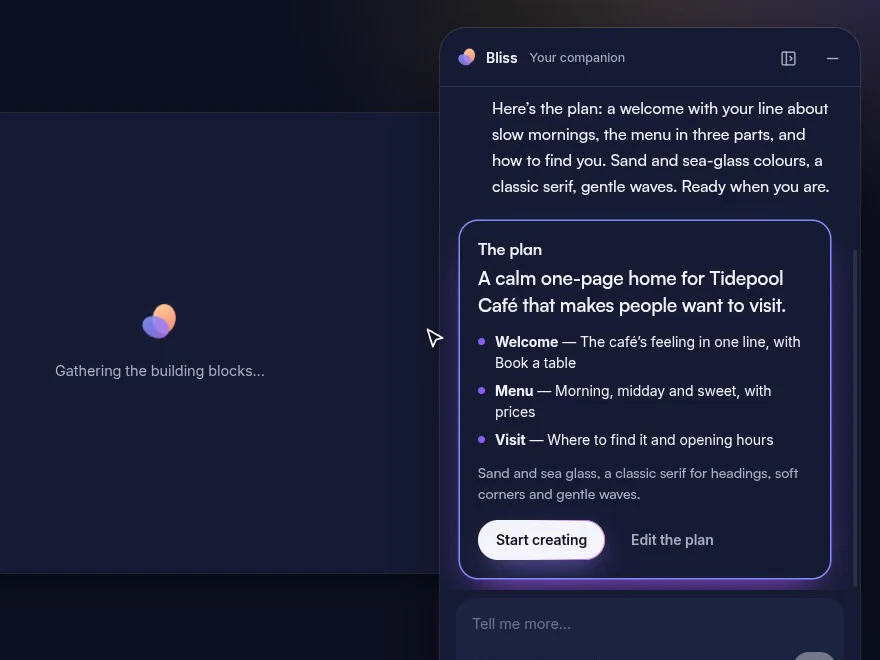
2 · Point at it
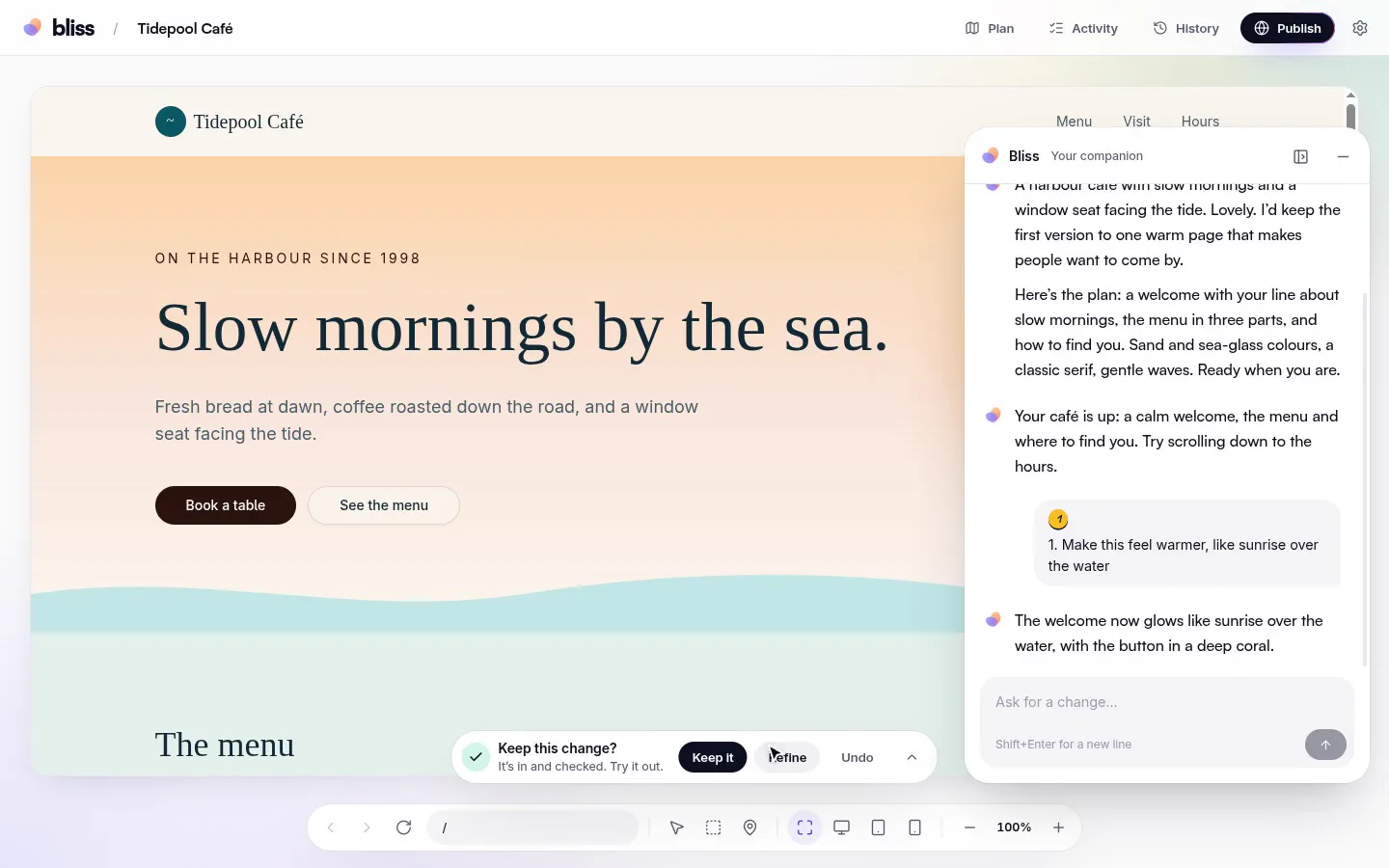
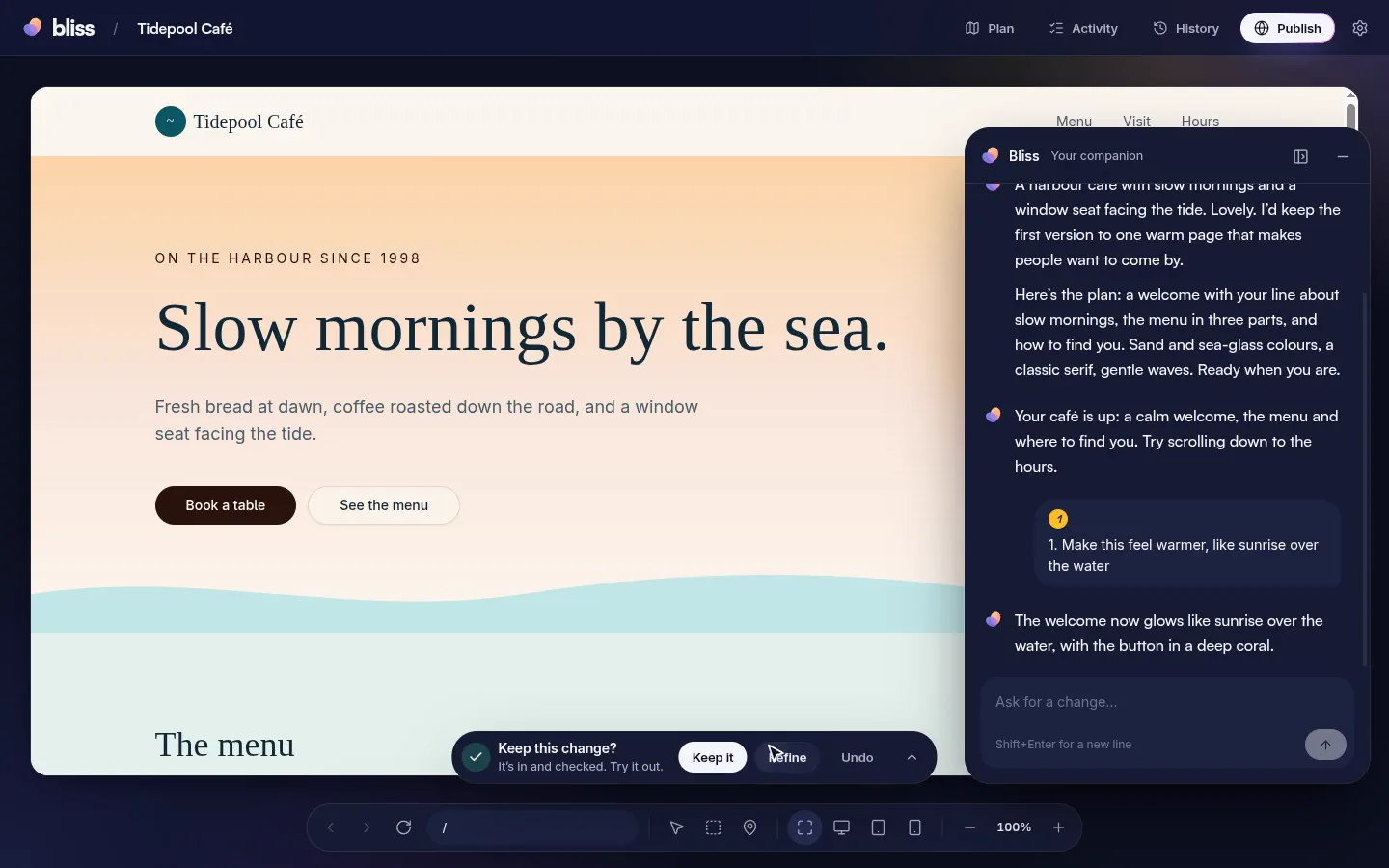
Point at it. Say what you want.
- Point at anything on the page
- Leave several notes at once
- Keep it, refine it, or undo
3 · Show me options
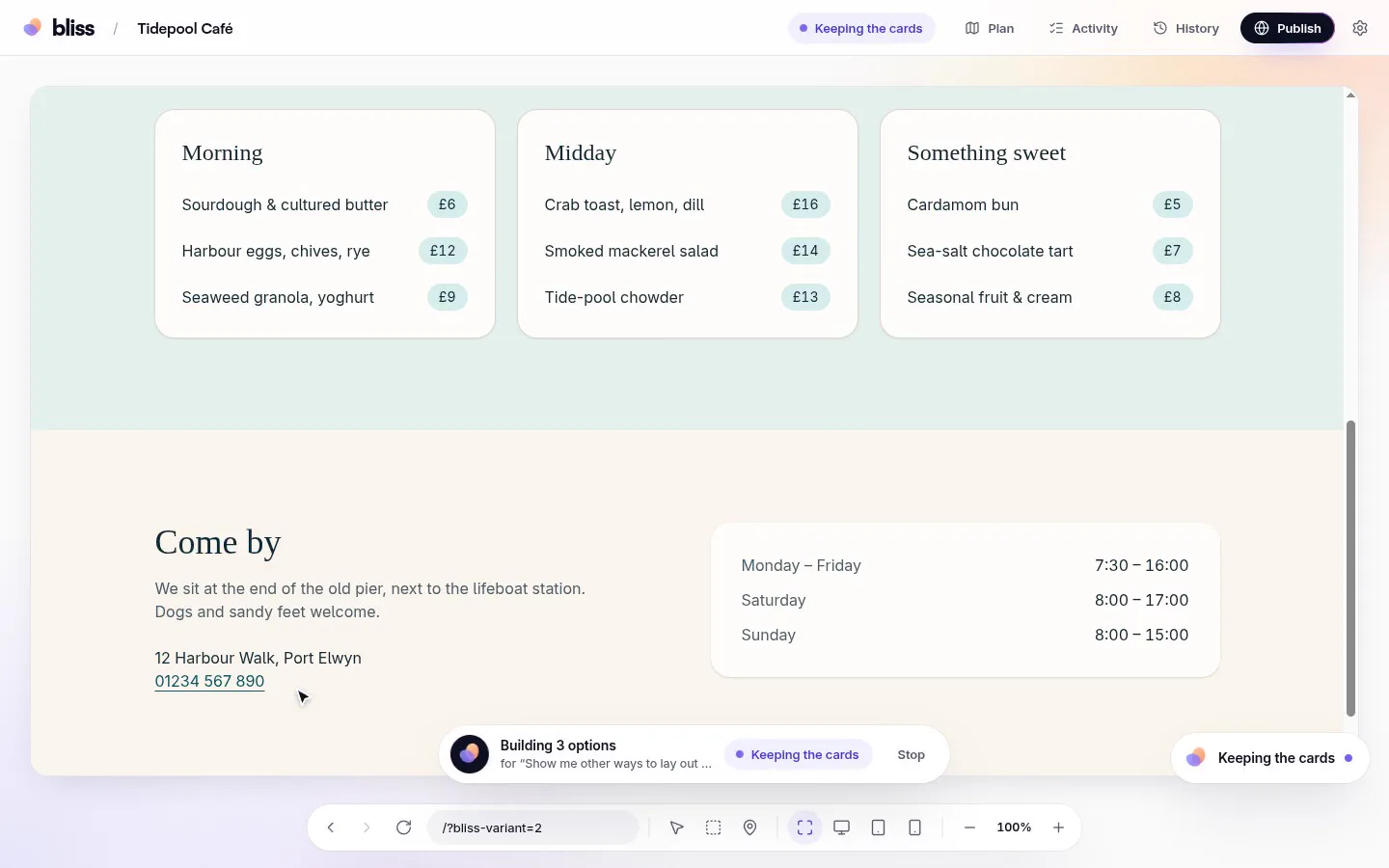
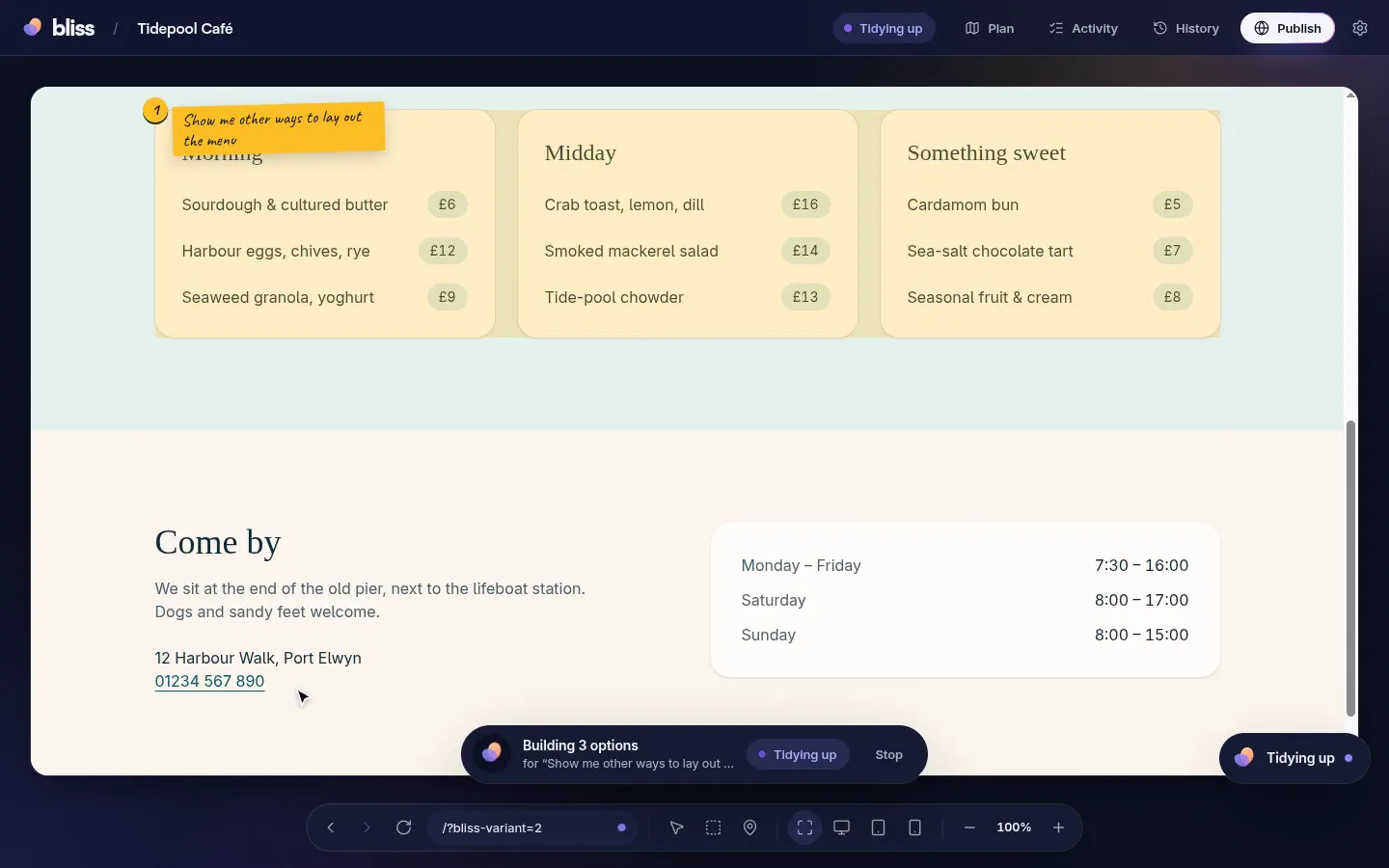
Can’t decide? See a few versions, live.
- Several ideas side by side
- Try each one on the real page
- Pick one, or ask for different ones
4 · Every change is safe
Try anything. You can always go back.
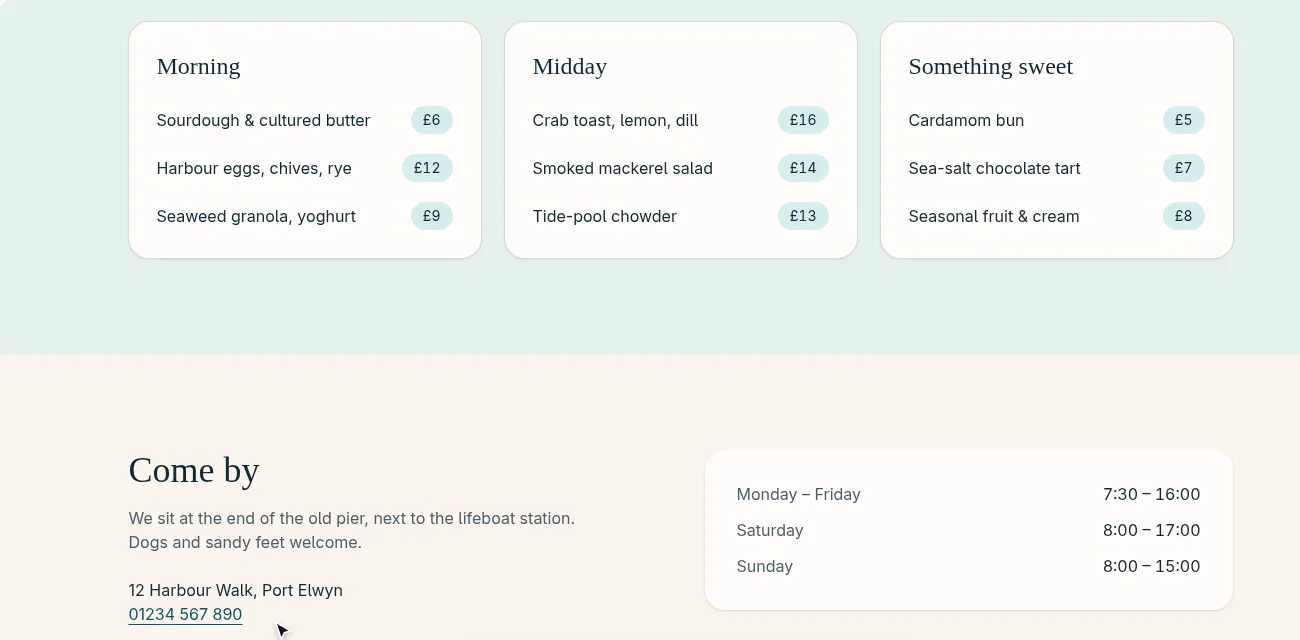
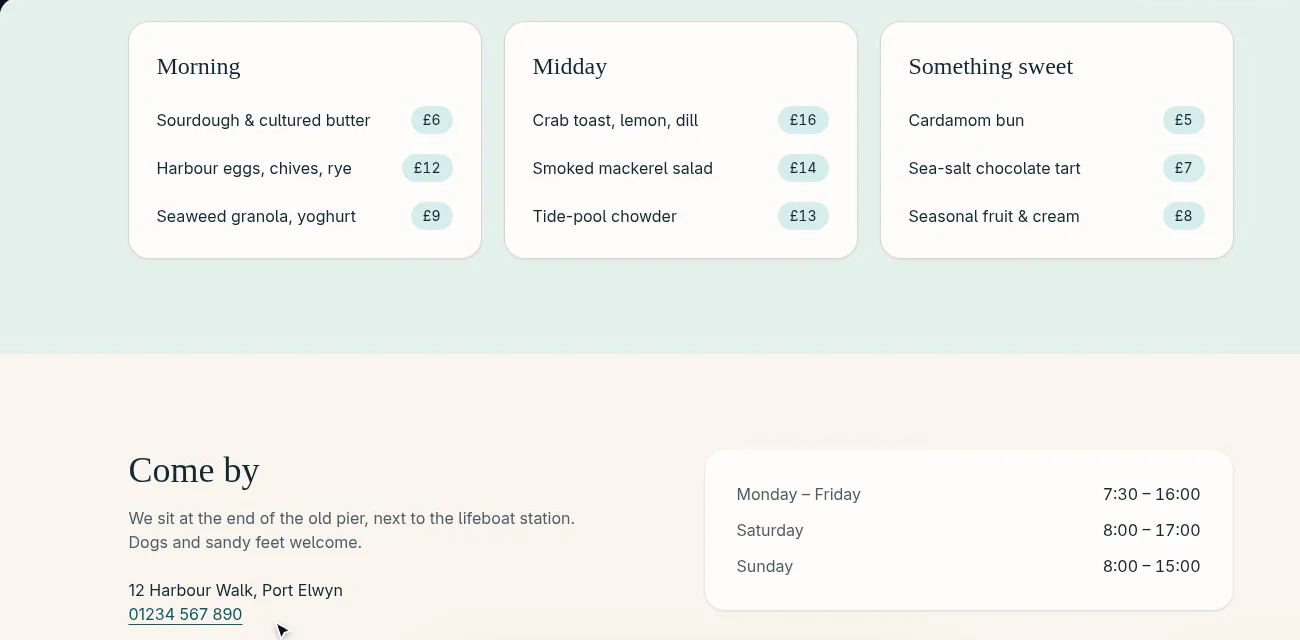
- The preview loads
- No errors on the page
- Everything still fits together
- It looks like you asked
5 · Share it
Put it on the web in one go.
- Your coding agent, your accountBliss works through Claude Code, Codex or OpenCode — whichever you already use.
- Your creations stay yoursEach one lives in an ordinary folder on your computer.
- You stay in chargeAnything sensitive, like publishing, always asks you first.
Tidepool Café
Only on your computer, for now.
- Making a fast version for visitors
- Sending it to your host
- Going live
- Checking the address answers
What will you make?
Small apps for the things you love.
Tidepool Café
A calm page for a seaside café
Habit Garden
Habits that grow into plants
Chapter & Tea
A book club’s next read and ratings
Studio Hours
Book a slot at a pottery studio
Trail Notes
A journal of weekend walks
Recipe Box
Family recipes, searchable
Choir Rota
Who sings what, and when
Plant Swap
Neighbours trading cuttings
Example ideas to spark yours.
Start making things.
Bliss is opening its doors a few people at a time. Leave your email and we’ll let you know when it’s your turn.
Just one email when there’s a place for you. No spam, ever.
Questions, gently answered
When can I try Bliss?
We’re letting people in a few at a time, so everyone gets a calm start. Join the waitlist and we’ll write to you when there’s a place for you.
Do I need to know how to code?
No. You describe what you want and point at what you’d like changed. Bliss and your coding agent do the building, and Bliss explains everything in plain words.
What do I need to get started?
A computer and a coding agent you’re signed in to: Claude Code, Codex or OpenCode, on your own account. Bliss helps you connect it the first time.
Where do my creations live?
On your computer, each in its own ordinary folder. Every change is saved as a version you can go back to.
What if a change goes wrong?
Bliss saves before every change and checks the result afterwards. If something breaks, it tries to repair it, and you can always step back to an earlier version.
Can I put my creation online?
Yes. Bliss publishes to shpyrd, a home made for creations like yours, and to other hosts such as Vercel. Either way, it checks that the address really works before it tells you it’s live.